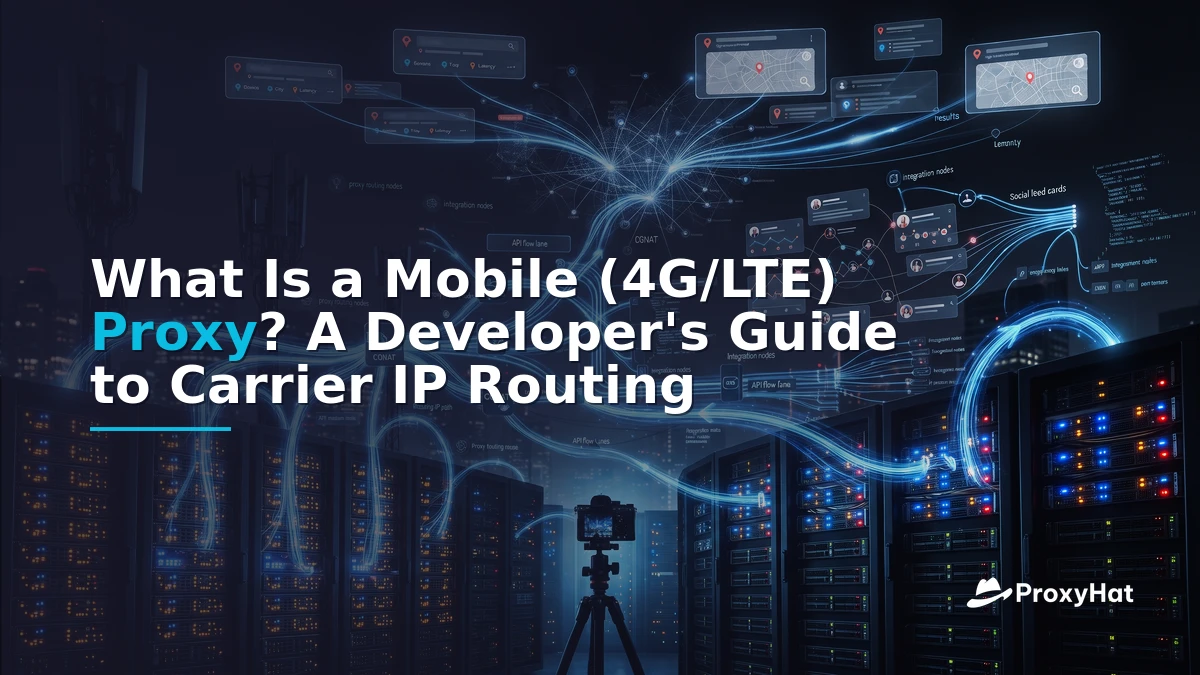
What Is a Mobile (4G/LTE) Proxy? The Short Answer
A mobile (4G/LTE/5G) proxy routes your web traffic through an IP address that a cellular carrier—such as AT&T, Verizon, T-Mobile, or Vodafone—has assigned to a real SIM-equipped device on its network. When you send a request through a mobile proxy, the target server sees a carrier-issued IP, not a datacenter block or a conventional residential address. This matters because major platforms like Instagram, TikTok, and Google assign their highest trust scores to IPs registered to mobile carriers, making mobile proxies the gold standard for accessing app endpoints and social platforms that aggressively block other traffic.
The key technical enabler is Carrier-Grade NAT (CGNAT). Under CGNAT, a single public IP address is shared across thousands of simultaneous mobile subscribers. When a target site sees traffic from a mobile IP, it cannot easily distinguish your automated request from a legitimate user's phone browsing the same page—because hundreds of real users share that same outbound IP. You can read more about this architecture on the Wikipedia article on Carrier-Grade NAT.
In practice, a mobile proxy sits between you and a farm of physical or virtual SIM-equipped modems. Your request enters the proxy gateway, is forwarded to a modem with an active cellular connection, and exits through the carrier's network. The target site sees the request as originating from a mobile device on a real carrier network—because it genuinely does.
How Mobile Proxies Work: Modems, SIMs, and ASN Diversity
Behind every mobile proxy pool is infrastructure that maintains real cellular connections. There are two primary architectures:
Modem/SIM Farms
The traditional approach uses racks of physical LTE or 5G modems, each with an active SIM card from a carrier. When a request comes in, the proxy software routes it through one of these modems. To rotate the IP, the system either toggles airplane mode on the modem (forcing a new IP assignment from the carrier's DHCP pool) or switches to a different modem entirely. This approach provides genuine carrier IPs but is hardware-intensive and geographically constrained.
Gateway-Managed Pools
Modern proxy providers like ProxyHat abstract away the hardware. You connect to a gateway endpoint, and the provider manages the modem farm, SIM rotation, and carrier diversity behind the scenes. You specify parameters like country and session ID in your proxy username, and the gateway handles the rest. This is the approach most developers and ops teams should use—it eliminates the capital expenditure and maintenance burden of running your own modem farm.
ASN diversity is a critical factor. An Autonomous System Number (ASN) identifies the network operator that owns an IP range. Carrier IPs belong to ASNs registered to companies like AT&T (AS7018), Verizon (AS6167), or T-Mobile (AS21928). Anti-bot systems cross-reference the ASN of an incoming connection against known datacenter ASNs. Mobile proxy traffic passes this check because the ASN genuinely belongs to a mobile carrier, not a hosting provider.
Mobile Proxy vs Residential: Trust Scores and Use Cases
The core question for most buyers is simple: mobile proxy vs residential—which do I need? The answer depends on what you're accessing and how aggressive the target's anti-bot defenses are.
Residential proxies use IPs assigned by ISPs to home broadband connections (Comcast, Spectrum, BT, Deutsche Telekom). They look like real households and are sufficient for the vast majority of public-data scraping—SERP tracking, e-commerce price monitoring, news aggregation. However, some platforms have learned to flag residential IPs when they detect automation patterns, especially for social media account management and mobile app API access.
Mobile proxies earn higher trust because they come from the same IP pools as real smartphone traffic. Instagram, for example, knows that a significant portion of its legitimate traffic comes from mobile carrier IPs. Blocking a mobile carrier IP would mean blocking thousands of real users sharing that IP under CGNAT—so platforms are reluctant to do so. This gives mobile proxies a structural advantage on the hardest targets.
| Dimension | Mobile (4G/LTE/5G) | Residential | Datacenter |
|---|---|---|---|
| IP Source | Carrier (AT&T, Verizon, Vodafone) | ISP home broadband | Hosting/datacenter providers |
| Trust Score | Highest — indistinguishable from phones | High — looks like real households | Low — easily flagged as automated |
| Typical Cost/GB | $10–30 | $1–5 | $0.50–1.50 |
| Latency | 200–500ms | 50–200ms | 10–50ms |
| Best For | Social apps, account management, ad verification | SERP scraping, price monitoring, public data | High-volume, low-stakes requests |
| Rotation | Per-request or airplane-mode toggle | Per-request or sticky sessions | Fast, unlimited rotation |
The practical takeaway: residential proxies handle 80–90% of scraping workloads at a fraction of the cost. Mobile proxies are the premium tier reserved for the 10–20% of use cases where residential IPs get blocked or flagged. If you're doing SERP tracking or web scraping on public pages, residential is almost always the right choice. If you're managing social media accounts at scale, verifying mobile ad placements, or accessing mobile-only app APIs, mobile proxies justify their premium.
A Worked Example: Sticky Carrier Sessions with ProxyHat
One of the most common patterns with mobile proxies is the sticky session—holding the same carrier IP across multiple requests so that your activity looks like a single user's browsing session rather than a rotating bot. This is essential for social media account management, where jumping between IPs mid-session triggers security alerts.
With ProxyHat, you control stickiness through the session flag in your proxy username. Here's a Python example using the HTTP gateway on port 8080:
import requests

# Sticky mobile session targeting US carrier IPs
# The session flag holds the same IP across requests
proxy_url = "http://user-country-US-session-carrier-abc123:pass@gate.proxyhat.com:8080"

proxies = {"http": proxy_url, "https": proxy_url}

# First request — establishes the sticky session
r1 = requests.get("https://httpbin.org/ip", proxies=proxies, timeout=30)
print("Session IP:", r1.json()["origin"])

# Subsequent requests reuse the same carrier IP
r2 = requests.get("https://httpbin.org/headers", proxies=proxies, timeout=30)
print("Headers:", r2.json())

# To rotate to a new IP, change the session ID
proxy_url_2 = "http://user-country-US-session-carrier-def456:pass@gate.proxyhat.com:8080"
r3 = requests.get("https://httpbin.org/ip", proxies={"http": proxy_url_2, "https": proxy_url_2}, timeout=30)
print("New session IP:", r3.json()["origin"])
The session-carrier-abc123 flag tells the gateway to assign you a specific carrier IP and hold it for the duration of that session. Every request with the same session ID exits through the same IP. When you change the session ID, the gateway assigns a new IP from the pool. You can combine this with geo-targeting using the country- flag—for example, user-country-DE-session-berlin01 for a sticky German carrier session. See the ProxyHat documentation for the full list of supported flags, and check available locations for country-level targeting.
The Economics: Why Mobile Costs 5–10x More Per GB
Mobile proxy traffic typically costs $10–30 per GB, compared to $1–5 per GB for residential and under $1.50 for datacenter. That 5–10x premium reflects real infrastructure costs:
- Hardware: Each modem requires a physical SIM card with an active data plan. Carriers charge $10–50/month per line, and a meaningful pool needs hundreds of SIMs.
- Bandwidth: Cellular data is metered. Unlike residential proxies (which piggyback on existing home internet connections), mobile proxy providers pay per-GB rates to carriers.
- Maintenance: SIM cards expire, modems fail, and carrier networks have outages. Operating a modem farm requires physical infrastructure and ongoing management.
LTE vs 5G: Does the Generation Matter?
The short answer: not as much as you'd think for proxy purposes. 5G modems offer lower latency and higher throughput, but most proxy use cases are bottlenecked by the target site's response time, not the proxy's network speed. A 4G/LTE connection with 200–500ms latency is perfectly adequate for social media automation and ad verification. 5G's main advantage is higher bandwidth for data-intensive tasks, but at 5–10x the modem cost, the ROI rarely justifies the upgrade for typical proxy workloads.
Build vs Buy: The ROI Calculation
Building your own mobile proxy farm is rarely cost-effective for teams needing fewer than 100 concurrent sessions. A modest farm of 50 modems with active SIMs costs $2,000–5,000 in hardware plus $500–2,500/month in carrier fees. A managed provider like ProxyHat gives you access to the same carrier IP pools at predictable per-GB pricing with zero hardware management. For most development and ops teams, the buy decision is clear unless you have specialized requirements (e.g., a specific rural carrier not covered by commercial pools).
When You Do NOT Need Mobile Proxies
Despite the marketing hype, mobile proxies are overkill for most scraping workloads. Here's when residential or even datacenter proxies are the better choice:
- SERP scraping: Google, Bing, and other search engines don't differentiate between residential and mobile IPs for rate-limiting purposes. Residential proxies at $1–5/GB are the standard for SERP tracking at scale.
- E-commerce price monitoring: Public product pages on Amazon, Walmart, or Shopify stores are accessible with residential IPs. Mobile proxies add cost without improving success rates.
- News and content aggregation: Most news sites and blogs have minimal anti-bot defenses. Datacenter proxies may even suffice for low-volume collection.
- SEO auditing: Crawling your own site or checking indexation status doesn't require carrier-grade trust scores.
Reserve mobile proxies for the use cases where they're genuinely necessary: social media account management, mobile app API access, ad verification on mobile placements, and accessing platforms with aggressive anti-bot systems that flag residential IPs. For everything else, residential proxies deliver equivalent results at a fraction of the cost.
Legal Considerations: CFAA, GDPR, and Platform TOS
Using any proxy type—mobile, residential, or datacenter—does not exempt you from legal obligations. Two frameworks deserve particular attention:
The Computer Fraud and Abuse Act (CFAA) in the United States criminalizes accessing computers "without authorization" or exceeding authorized access. While recent court rulings have narrowed the scope of CFAA prosecutions for public-data scraping, using proxies to circumvent technical access controls (like IP bans or rate limits) can still create legal exposure. You can read more about the statute on the Wikipedia article on the CFAA.
GDPR in the European Union regulates the processing of personal data, including IP addresses. If your scraping collects personal data from EU residents, you need a lawful basis for processing, regardless of which proxy type you use. The official GDPR resource site provides guidance on compliance obligations.
Always review the target platform's Terms of Service before scraping. Many platforms explicitly prohibit automated access, and violating those terms can result in account suspension, civil litigation, or criminal charges in extreme cases. Proxies are a technical tool—they don't create legal immunity.
Key Takeaways
- Mobile (4G/LTE/5G) proxies route traffic through carrier-issued IPs shared by thousands of real subscribers via CGNAT, earning the highest trust scores from anti-bot systems.
- Residential proxies handle 80–90% of scraping workloads at $1–5/GB. Mobile proxies at $10–30/GB are the premium tier for the 10–20% of use cases where residential IPs fail.
- Sticky sessions (via session IDs in the proxy username) are essential for social media and account management workflows where IP changes mid-session trigger security alerts.
- 5G offers marginal benefits over 4G/LTE for most proxy use cases—the target site's response time, not the proxy's network speed, is usually the bottleneck.
- Build-vs-buy favors managed providers unless you need 100+ concurrent sessions or specialized carrier coverage not available commercially.
- Legal compliance (CFAA, GDPR, platform TOS) applies regardless of proxy type. Proxies are a routing tool, not a legal shield.
FAQ
What is a mobile (4G/LTE) proxy?
A mobile proxy routes your web requests through an IP address assigned by a cellular carrier (AT&T, Verizon, Vodafone, etc.) to a real SIM-equipped device. Because these IPs are shared by thousands of subscribers under Carrier-Grade NAT, target sites cannot easily distinguish automated traffic from legitimate mobile users. This makes mobile proxies the highest-trust proxy type for accessing platforms with aggressive anti-bot defenses.
Why do mobile proxies matter for automated web access?
Mobile carrier IPs earn the highest trust scores from anti-bot systems because blocking them would mean blocking thousands of real mobile users sharing the same IP under CGNAT. Platforms like Instagram, TikTok, and mobile ad networks are reluctant to block carrier IP ranges, giving mobile proxies a structural advantage over residential and datacenter proxies for social media automation, account management, and mobile app API access.
Which proxy type is best for social media automation?
Mobile (4G/LTE/5G) proxies are the best choice for social media automation because they present carrier IPs that match the expected traffic profile of real smartphone users. Residential proxies work for lighter workloads but may get flagged on platforms with strict mobile-first anti-bot systems. For SERP scraping, price monitoring, and general public-data collection, residential proxies at $1–5/GB are more cost-effective than mobile at $10–30/GB.
How do you avoid blocks when using mobile proxies?
Use sticky sessions to hold the same carrier IP across related requests—this prevents suspicious IP jumps mid-session. Set realistic request rates (2–5 requests per minute for social platforms), rotate session IDs between distinct tasks rather than between every request, and match your User-Agent and headers to the device profile implied by a mobile IP. Avoid sending desktop browser fingerprints through mobile carrier IPs, as this mismatch is a common detection signal.