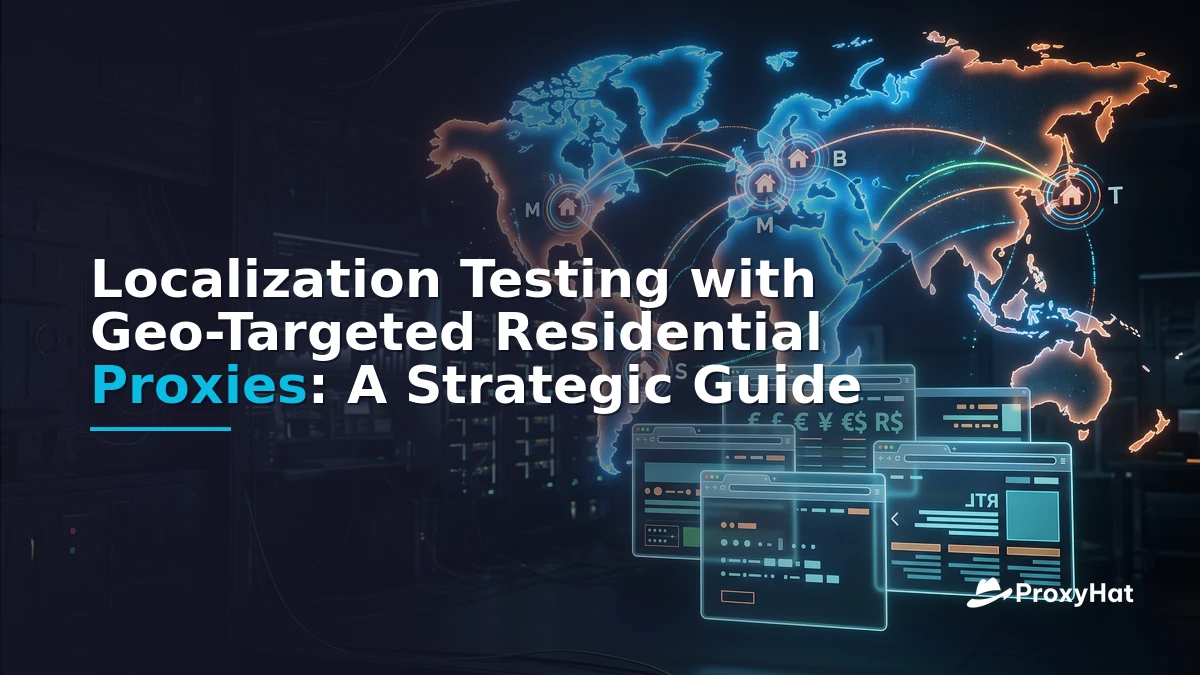
If your web app serves users in 30, 50, or 100+ countries, you already know the pain: a feature ships, the German pricing page shows USD, the Japanese locale renders with US date formats, and the Italian legal banner never appears because the CDN served the wrong creative. Localization testing with geo-targeted residential proxies is the practice of validating that each regional version of your application displays the correct language, currency, date format, legal notices, and localized creatives—by simulating real users in each target market.
The core problem is simple: you cannot verify what a user in Milan sees if your test traffic originates from a datacenter in Virginia. VPNs help for manual spot-checks, but they don't scale to automated CI pipelines running 50 locales in parallel. Residential proxies solve this by routing your test requests through real ISP-assigned IP addresses in the countries you care about, making your QA traffic indistinguishable from a local user's browser session.
Localization Testing with Geo-Targeted Residential Proxies: Why It Matters
Localization testing (L10n) is the process of verifying that a product adapted for a specific locale functions correctly for users in that locale. It is distinct from internationalization testing (i18n), which validates that the application's architecture can support multiple locales without code changes—things like Unicode handling, string externalization, and layout flexibility for right-to-left (RTL) languages like Arabic or Hebrew.
In practice, localization testing checks the output: do translated strings render correctly? Does the price display as 1.234,56 in Germany and 1,234.56 in the US? Does the date format match local conventions (DD/MM/YYYY vs MM/DD/YYYY)? Does the page redirect a Japanese visitor to /ja-jp/ automatically? These are questions that only a request originating from the right geography can answer definitively.
Geo-targeted residential proxies let you do exactly that. By specifying the country and city in the proxy username, you can appear as a real user in Milan, Berlin, Tokyo, or São Paulo—without a VPN, without a staging subdomain, and without asking your offshore contractors to run manual checks.
Localization vs Internationalization: Know the Difference
Many teams conflate i18n and L10n, which leads to incomplete test coverage. Here's the distinction that matters for QA planning:
| Dimension | Internationalization (i18n) Testing | Localization (L10n) Testing |
|---|---|---|
| Focus | Architecture readiness | Per-locale correctness |
| Key checks | Unicode support, string externalization, RTL layout support, timezone handling in code | Translated strings, currency symbols, date/number formats, geo-redirects, legal banners |
| When to run | Early in development, before translation begins | After translations are imported, pre-release and per-release |
| Geo dependency | Low—can run from anywhere | High—must originate from target geography |
| Automation approach | Unit/integration tests | Proxy-driven browser automation per locale |
The key insight: i18n QA geo testing can largely be done from your CI server because it validates code-level capabilities. Localization testing requires traffic that looks like it comes from the target country, because CDNs, ad servers, and geo-redirect logic all key off the visitor's IP address.
Why VPNs and Staging Subdomains Fall Short at Scale
Most QA teams start with one of two approaches, both of which break down quickly:
Approach 1: Manual VPN switching. A QA engineer connects to a VPN endpoint in Germany, checks the site, disconnects, reconnects to a Japan endpoint, checks again. This works for a 5-market smoke test. At 50 markets, it's unmanageable. Each VPN switch takes 2–5 minutes, connections drop, and you can't parallelize across markets. A full locale matrix run becomes a half-day exercise that no one wants to repeat every release.
Approach 2: Staging subdomains with locale parameters. Teams build staging.example.com?locale=de-DE and test there. The problem: staging doesn't run through the same CDN, ad server, or geo-redirect middleware as production. You're testing a simulation, not the real thing. The CDN may serve different creatives based on IP geolocation; staging bypasses that entirely. You find out about the mismatch in production, after launch.
Residential proxies solve both problems. Your automated test suite can spin up 50 browser contexts in parallel, each routed through a residential IP in a different country, each hitting production or pre-production infrastructure through the same CDN path a real user would. No VPN switching, no staging simulation gaps.
What to Verify Per Locale: The Localization Test Matrix
When you test localized content by country, each locale in your matrix should verify the following:
- Geo-redirects: Does
example.comredirect to the correct regional path (e.g.,/de-de/,/ja-jp/) based on the visitor's IP? - hreflang tags: Does each page include correct
<link rel="alternate" hreflang="...">annotations? Google's multi-regional site guidelines specify these must be present and bidirectional. - Language and translated strings: Is the page rendered in the expected language? Are there untranslated strings (commonly called "string leakage")?
- Currency and number formats: Does pricing show the correct currency symbol and decimal/thousands separator? (
€1.234,56in Germany vs€1,234.56in Ireland.) - Date and time formats: Does the checkout page show delivery dates in the local format?
- Regional legal banners: Does the GDPR consent banner appear for EU IPs? Does the CCPA notice appear for California IPs?
- CDN-served creatives: Are banner images, promo videos, and ad slots serving the region-appropriate creative?
- RTL layout (where applicable): For Arabic and Hebrew locales, does the layout flip correctly?
The W3C Internationalization Activity publishes detailed checklists for many of these items. Your proxy-driven test suite should assert against each one programmatically.
Build vs Buy: The ROI of a Proxy-Driven Locale Matrix
The decision for most teams isn't whether to do localization testing—it's whether to build a proxy infrastructure in-house or use a managed proxy service. Let's break down the economics with a concrete example.
Scenario: 50-market release cycle, 12 releases per year
Manual VPN approach:
- 50 markets × 4 minutes per VPN switch + manual check = ~200 minutes per release
- QA engineer loaded cost: ~$75/hour → ~$250 per release in labor alone
- 12 releases/year → ~$3,000/year, and that's just for a surface-level smoke test
- Cannot be parallelized; error-prone; no audit trail
In-house proxy infrastructure:
- Maintaining proxy nodes in 50 countries requires infrastructure contracts, monitoring, failover logic, and ongoing maintenance
- Engineering time to build and maintain: estimated 2–3 sprints initially, ongoing maintenance ~10% of a full-time engineer
- Residential IP pools specifically are nearly impossible to build in-house at meaningful scale without partnering with an ISP or SDK provider
Managed residential proxy service (ProxyHat):
- Automated Playwright suite runs all 50 markets in parallel in ~10 minutes
- Marginal cost per release: minimal proxy bandwidth (a locale matrix run for 50 markets typically consumes under 2 GB of proxy traffic)
- See ProxyHat pricing for plan details—residential proxy traffic is billed per GB, and a full locale matrix run is a small fraction of a typical monthly allocation
- Engineer time: near-zero per release once the suite is built; the suite runs in CI on every deploy
The break-even is immediate. Even if your team only runs the locale matrix once per release, the proxy service costs a fraction of the manual labor it replaces—and you get deeper coverage, parallel execution, and an auditable test trail. For teams that need to re-run tests on hotfixes or feature branches, the savings compound further.
Implementation: A Playwright Locale Matrix with ProxyHat
Here's a practical Playwright script that loops through a locale matrix, creates a separate browser context per locale with a geo-targeted residential proxy, and asserts that the page renders the expected currency and language.
const { chromium } = require('playwright');

const localeMatrix = [
  { country: 'IT', city: 'milan',   expectCurrency: 'EUR', expectLang: 'it-IT' },
  { country: 'JP', city: null,      expectCurrency: 'JPY', expectLang: 'ja-JP' },
  { country: 'DE', city: 'berlin',  expectCurrency: 'EUR', expectLang: 'de-DE' },
  { country: 'US', city: 'newyork', expectCurrency: 'USD', expectLang: 'en-US' },
  { country: 'BR', city: 'saopaulo', expectCurrency: 'BRL', expectLang: 'pt-BR' },
];

(async () => {
  for (const locale of localeMatrix) {
    const geo = `user-country-${locale.country}` +
      (locale.city ? `-city-${locale.city}` : '');
    const proxyUrl = `http://${geo}:pass@gate.proxyhat.com:8080`;

    const browser = await chromium.launch({
      proxy: { server: proxyUrl }
    });
    const context = await browser.newContext({
      locale: locale.expectLang,
      extraHTTPHeaders: { 'Accept-Language': locale.expectLang }
    });
    const page = await context.newPage();

    await page.goto('https://example.com', { waitUntil: 'networkidle' });
    const bodyText = await page.innerText('body');

    // Assert currency symbol is present
    if (!bodyText.includes(locale.expectCurrency)) {
      console.warn(`[${locale.country}] FAIL: currency ${locale.expectCurrency} not found`);
    } else {
      console.log(`[${locale.country}] PASS: currency ${locale.expectCurrency}`);
    }

    // Assert hreflang tag exists for this locale
    const hreflang = await page.getAttribute(
      `link[rel="alternate"][hreflang="${locale.expectLang}"]`, 'href'
    );
    console.log(`[${locale.country}] hreflang: ${hreflang || 'MISSING'}`);

    await browser.close();
  }
})();
This script launches a separate browser per locale, each routed through a residential IP in the target country via gate.proxyhat.com:8080. The geo-targeting is specified entirely in the username (user-country-IT-city-milan), so no additional configuration is needed beyond swapping credentials. You can extend this matrix to 50+ locales and run them in parallel with Promise.all for faster CI execution.
For teams also running SERP tracking or web scraping workflows alongside localization tests, the same proxy infrastructure serves both use cases. See our web scraping and SERP tracking guides for integration patterns.
Common Pitfalls and Edge Cases
Cookie and IP Geolocation Mismatches
A frequent failure mode: a user previously visited your site from the US and received a cookie that pinned them to en-US. Now they travel to Germany, but the cookie overrides the IP-based redirect. Your test must handle this by clearing cookies per context—or by explicitly testing the "cookie override" path. Playwright's newContext() gives you a clean state by default, which is usually what you want for locale testing.
Sticky Sessions for Multi-Step Flows
If your localization test includes a multi-step checkout flow (cart → address → payment → confirmation), you need the same IP across all requests. A rotating proxy pool would change your IP mid-flow, potentially triggering fraud detection or serving different content. Use a sticky session by appending -session-abc123 to the username:
http://user-country-DE-city-berlin-session-abc123:pass@gate.proxyhat.com:8080This pins the session to a single residential IP for the duration of the flow. Use a unique session ID per test run to avoid collisions in parallel execution.
CDN Caching and Stale Content
CDN edge nodes cache content by geography. If your test runs immediately after a deploy, the CDN edge in Tokyo may still serve the previous version. Build a cache-busting step into your test—append a query param or use a cache-control header—to ensure you're testing the latest content.
Rate Limits and Concurrency
Running 50 locales in parallel means 50 concurrent proxy sessions. Ensure your proxy plan supports the concurrency level you need. ProxyHat residential proxies support high concurrency; check available locations to confirm coverage for all your target markets before building the matrix.
Key Takeaways
- Localization testing requires geo-authentic traffic. VPNs and staging subdomains can't replicate the CDN, ad server, and geo-redirect behavior that production users experience.
- Residential proxies with username-based geo-targeting let you test 50+ markets in parallel from a single CI pipeline—no manual switching.
- Build vs buy favors managed proxies. In-house proxy infrastructure in 50 countries is impractical; a managed residential proxy service costs a fraction of manual QA labor and scales infinitely.
- Verify per locale: geo-redirects, hreflang, currency/number formats, translated strings, legal banners, and CDN creatives. Each is IP-dependent.
- Use sticky sessions (
-session-abc123) for multi-step flows to avoid IP rotation mid-checkout. Clear cookies per context to test the "fresh visitor" path.
Full API documentation and advanced configuration options are available at ProxyHat Docs. For pricing details, visit our pricing page.