If you scrape in Python, you've probably bounced between requests for fast HTTP work and Playwright or Selenium for JavaScript-rendered pages. DrissionPage closes that gap by unifying a requests-style HTTP client and a Chromium control layer behind one API, and it lets you switch modes mid-session while sharing cookies and state. In this DrissionPage tutorial, we'll wire it to residential proxies so you can hit hard targets without burning a single IP.
Legal note: Only collect public data and respect each site's Terms of Service,
robots.txt, and applicable laws such as the CFAA in the US and the GDPR in the EU. Prefer official APIs when they exist.
What DrissionPage Is and Why a DrissionPage Proxy Matters
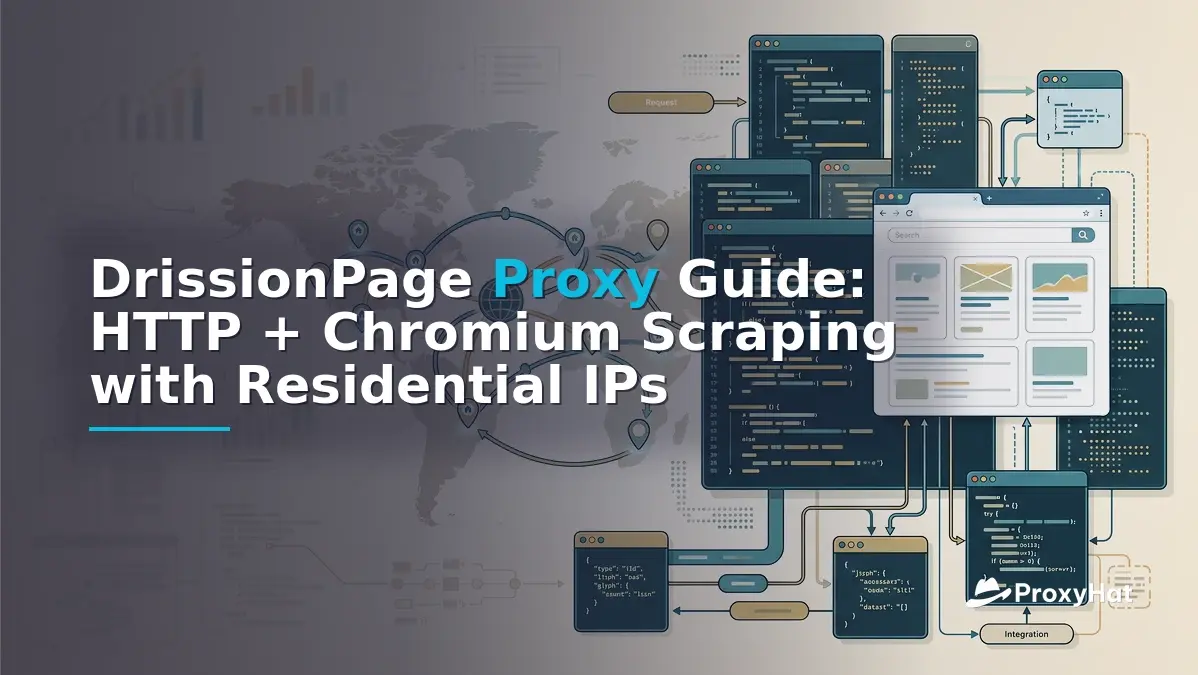
DrissionPage is an open-source Python framework maintained on GitHub that exposes two cooperating page objects: SessionPage, built on top of the requests/urllib3 stack for plain HTTP, and ChromiumPage, which drives a real browser through the Chrome DevTools Protocol (CDP). A third object, WebPage, wraps both and lets you call page.change_mode() to escalate from HTTP to a full browser while keeping cookies, headers, and the underlying session alive.
The cost argument is simple. A headless Chromium instance typically uses 150–400 MB of RAM per tab and adds 800–2000 ms of startup latency, while a SessionPage request finishes in 80–300 ms with negligible memory. If 70% of your target pages are static HTML, you can run them through SessionPage and only escalate to ChromiumPage for the 30% that genuinely need JavaScript. That cuts compute and proxy spend roughly in half for mixed workloads.
A drissionpage proxy matters because both modes share the same IP reputation problem. Anti-bot vendors like Cloudflare and Akamai fingerprint the connecting IP, and datacenter ranges are flagged far more aggressively than residential ASN ranges. Pairing DrissionPage with residential proxies gives you browser-grade rendering plus household-grade IP reputation.
The DrissionPage Model: SessionPage, ChromiumPage, WebPage
SessionPage — requests-style HTTP
SessionPage wraps a requests.Session and adds DrissionPage's locator API. It's the right default for JSON APIs, static HTML, and RSS feeds.
from DrissionPage import SessionPage

page = SessionPage()
page.get('https://example.com/products')

# Idiomatic locator: CSS-like, with @attribute shortcuts
title = page.ele('tag:h1').text
prices = [e.text for e in page.eles('x://span[@class="price"]')]
ChromiumPage — CDP-driven browser
ChromiumPage launches a real Chromium process and controls it over CDP. Use it for SPAs, login flows, and pages that load data via XHR after render.
from DrissionPage import ChromiumPage, ChromiumOptions

co = ChromiumOptions().headless().set_argument('--disable-blink-features=AutomationControlled')
page = ChromiumPage(co)
page.get('https://example.com/dashboard')
page.wait.eles_loaded('tag:button@@text()=Load more')
page.ele('tag:button@@text()=Load more').click()
WebPage — switch modes, keep state
WebPage is the headline feature. Start in 's' (session) mode, do cheap work, then escalate to 'd' (driver/browser) mode without losing cookies.
from DrissionPage import WebPage

page = WebPage(mode='s')           # SessionPage first
page.get('https://example.com/login')
page.ele('#user').input('me@example.com')
page.ele('#pass').input('hunter2')
page.ele('#submit').click()

# Now escalate to a real browser for the JS-heavy dashboard
page.change_mode()                 # switches to ChromiumPage, keeps cookies
page.get('https://example.com/dashboard')
The Idiomatic API: ele(), eles(), and listen()
DrissionPage's locators are its signature. ele() returns the first match; eles() returns a list. You can mix CSS, tag selectors, @attribute shortcuts, XPath (prefix x://), and a text matcher @@text()=.
page.ele('tag:input@@name=q')— first<input name="q">page.eles('@class=product-card')— all elements with that classpage.ele('x://article//h2')— XPath fallbackpage.ele('tag:button@@text()=Next')— text-based match
For SPAs that load data through background XHR, listen.start() captures the network packet so you can read JSON directly instead of parsing rendered DOM.
page.listen.start('api.example.com/v1/products')   # filter by URL substring
page.ele('tag:button@@text()=Load more').click()
packet = page.listen.wait(timeout=10)             # returns a DataPacket
products = packet.response.body                  # already-parsed JSON dict
page.listen.stop()
This is often the difference between scraping 50 items per page from DOM and pulling 200 items per request from the underlying JSON.
Configuring a DrissionPage Proxy
SessionPage proxy via set_proxies()
SessionPage accepts a standard proxies dict, identical to requests.
from DrissionPage import SessionPage

proxies = {
    'http':  'http://user-country-US-sid-abc123:PASSWORD@gate.proxyhat.com:8080',
    'https': 'http://user-country-US-sid-abc123:PASSWORD@gate.proxyhat.com:8080',
}
page = SessionPage()
page.set_proxies(proxies)
page.get('https://example.com')
ChromiumPage proxy via ChromiumOptions
For the browser path, pass the proxy through ChromiumOptions. Chromium reads the --proxy-server flag at startup, so set it before launching.
from DrissionPage import ChromiumPage, ChromiumOptions

co = (ChromiumOptions()
      .headless()
      .set_proxy('http://gate.proxyhat.com:8080')
      .set_argument('--disable-blink-features=AutomationControlled'))
page = ChromiumPage(co)
Because Chromium's --proxy-server flag does not carry username/password auth, residential endpoints that require credentials need either an IP-allowlisted plan or a local proxy bridge. ProxyHat supports IP allowlisting on the dashboard; for per-request credentials, run a tiny local forwarder (for example mitmproxy or gost) that injects the Proxy-Authorization header and forwards to gate.proxyhat.com:8080.
Why residential IPs? Datacenter blocks are flagged by most anti-bot vendors within a few hundred requests. Residential traffic blends with real users, which is why it's the default for web scraping and SERP tracking at scale. See ProxyHat's locations page for the full country list.
Runnable Example: WebPage with a Residential Proxy
Here's a complete script. It starts in HTTP mode through a US residential sticky session, grabs a static category page, then escalates to ChromiumPage for a JS-rendered product gallery. We build the ProxyHat username inline so you can swap countries or sessions per worker.
from DrissionPage import WebPage
import uuid, time

GATE = 'gate.proxyhat.com'
PORT = 8080
PASSWORD = 'YOUR_PROXYHAT_PASSWORD'

def build_proxy_url(country='US', session=None):
    session = session or uuid.uuid4().hex[:12]
    user = f'user-country-{country}-sid-{session}'
    return f'http://{user}:{PASSWORD}@{GATE}:{PORT}'

# 1. Start in cheap HTTP mode
proxy = build_proxy_url(country='US', session='abc123')
page = WebPage(mode='s')
page.set_proxies({'http': proxy, 'https': proxy})
page.get('https://example.com/category/sneakers')
links = [e.link for e in page.eles('x://a[@class="product-link"]/@href')]
print(f'Found {len(links)} product links via HTTP')

# 2. Escalate to ChromiumPage for a JS-heavy product page
page.change_mode()  # cookies carry over
page.get(links[0])
page.listen.start('api.example.com/v1/stock')
page.wait.eles_loaded('tag:button@@text()=Show stock')
page.ele('tag:button@@text()=Show stock').click()
pkt = page.listen.wait(timeout=10)
print('Stock payload:', pkt.response.body)
page.listen.stop()
The sticky sid-abc123 flag pins both the SessionPage and the ChromiumPage to the same residential exit IP, so the target site sees one consistent household visitor across the mode switch. Change the session string per worker to rotate exits across a fleet.
Production Patterns
Per-session proxy pinning
For login-protected sites, pin one residential IP per logical user. Reuse the same session-<id> string for the entire session lifetime so the target's risk engine sees a stable IP. Rotate the session string only when you start a new account.
Retries with backoff
Wrap page.get() in a retry loop keyed on HTTP status and DrissionPage's ElementNotFoundError. Treat 403/429 as proxy-level failures: rotate the session string, sleep 2–5 seconds, and retry. Treat 5xx as upstream errors: retry once, then drop.
import time, random
from DrissionPage.errors import ElementNotFoundError

def robust_get(page, url, max_tries=4):
    for attempt in range(max_tries):
        try:
            r = page.get(url, retry=0)
            if r and r.status_code in (200,):
                return r
            if r and r.status_code in (403, 429):
                # rotate proxy session on SessionPage
                if hasattr(page, 'set_proxies'):
                    page.set_proxies({'http': build_proxy_url('US'), 'https': build_proxy_url('US')})
        except ElementNotFoundError:
            pass
        time.sleep(random.uniform(2, 5))
    return None
Packet capture to find hidden APIs
Before scraping DOM, open DevTools, watch the Network tab, and feed the XHR URL pattern into listen.start(). Many sites expose clean JSON endpoints that return 5–20× more rows per request than the rendered page. Capturing these endpoints cuts your request volume dramatically, which is the single biggest lever for avoiding rate limits.
Concurrency limits
SessionPage workers are cheap — you can run 50–100 concurrent requests per CPU core. ChromiumPage workers are heavy: plan for 4–8 concurrent tabs per core and 300–500 MB of RAM per tab. For fleets, containerize with one Chromium per container and cap --max-concurrent-tabs in ChromiumOptions. See the ProxyHat docs for concurrency limits per plan tier, and the pricing page for residential traffic allowances.
When NOT to Escalate to the Browser
Browser escalation is expensive. Don't reach for ChromiumPage if:
- The page returns the data you need in the initial HTML — verify with
curlfirst. - The site exposes a documented JSON API — use it directly via SessionPage.
- You only need headers/links — a HEAD or GET through SessionPage is 10–50× faster.
Do escalate when the data arrives via XHR after user interaction, when the site fingerprints the browser (canvas, WebGL, navigator properties), or when a login flow requires real input events. The change_mode() call is cheap precisely because it's reserved for the cases that genuinely need it.
DrissionPage plus residential proxies from ProxyHat gives you a single Python toolchain for everything from a 200 ms JSON fetch to a full browser-rendered SPA. Start with the code above, pin your sessions, and capture the XHR before you scrape the DOM.